
Remotion: The Complete Guide to AI-Powered Video Creation with React
·Programming & Development·3 min read
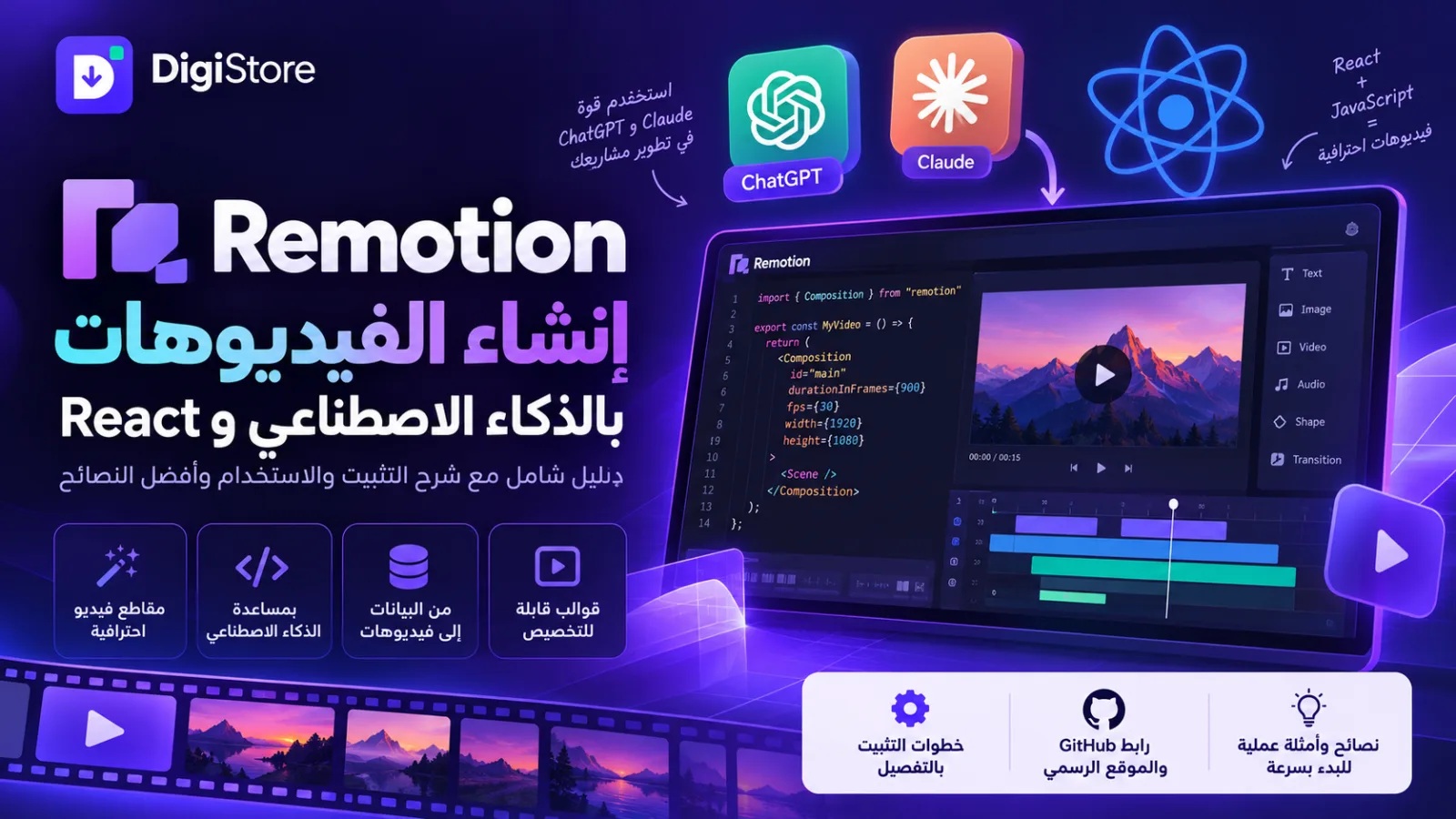
Looking for a flexible way to create professional videos, animations, and dynamic visual content with code? Remotion is an open-source framework that lets you create videos programmatically using React and JavaScript, with the help of AI coding assistants to speed up development.
Whether you are a developer, content creator, digital marketer, or business owner, Remotion can help you build customizable video templates, automate content production, and turn data into engaging visual experiences.
In this guide by DigiStore, you will learn what Remotion is, explore its main features and use cases, discover how to install it, and find out how to use AI assistants such as ChatGPT and Claude to help build video projects.
What Is Remotion?
Remotion is a framework for creating videos programmatically with React. Instead of editing every scene manually, you can use code to define video compositions, animations, text, images, audio, timing, and other visual elements.
Your project can then be rendered into a video file.
Remotion is particularly useful for developers and teams that need reusable video templates, data-driven animations, or automated video production workflows.
Common use cases include:
- Creating promotional and marketing videos.
- Building animated introductions and explainers.
- Turning statistics and data into video content.
- Generating personalized videos from reusable templates.
- Developing applications that allow users to customize videos.
- Automating repetitive video production tasks.
Official website: https://www.remotion.dev/
GitHub repository: https://github.com/remotion-dev/remotion
Key Features of Remotion
1. AI-Assisted Video Development
You can use AI coding assistants such as ChatGPT and Claude to help write React components, develop scenes, create animations, troubleshoot errors, and improve your video projects.
Instead of starting entirely from scratch, you can describe your idea in natural language and ask an AI assistant to help implement it in code.
You can then review the code, preview the result, and refine the project until it meets your requirements.
2. Customizable Animations and Visual Effects
Remotion gives developers control over many aspects of a video, including:
- Text, titles, and typography.
- Images, backgrounds, and shapes.
- Animations and transitions.
- Scene timing and element positioning.
- Audio and sound effects.
- Video dimensions and rendering settings.
The final result depends on the components, assets, and code used in your project.
3. Automated Video Generation
One of Remotion's most useful capabilities is data-driven video generation.
You can build a reusable template and populate it with different names, images, statistics, product details, or other information.
For example, a marketing team could generate multiple personalized promotional videos from a single template instead of manually creating every version.
4. Building Custom Video Applications
Remotion can also be used to develop applications that let users customize video content through an interface.
You could build a tool where users enter text, upload images, select a template, preview the result, and generate a customized video.
This makes Remotion useful for developers building video creation platforms, marketing tools, and other digital products.
5. Flexible Rendering and Development
Because Remotion uses code, developers can reuse components, organize scenes, connect data sources, and create workflows tailored to their projects.
Depending on the application, videos can be rendered locally or through server-based infrastructure.
Can You Use Remotion with ChatGPT and Claude?
Yes. ChatGPT and Claude can both help you develop Remotion projects, althoug



Comments (0)
Sign in to comment.